From: PrestaShop Importer
How to create a webservice key for PrestaShop?
If these steps seem overwhelming to you, you can send us a message and we will help you set up your API keys within 24 hours.
1. In the side menu, search for the header 'Configure' and click 'Advanced Parameters'.
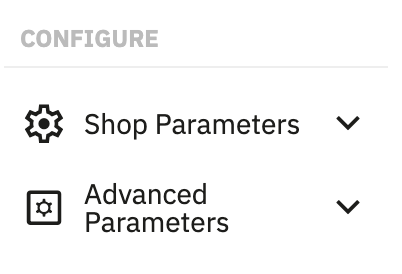
2. In the dropdown menu, click 'Webservice'.

3. Click the button 'Add new webservice key' which can be found at the top right of the page.

4. You are now on the page where you can add a new webservice key.
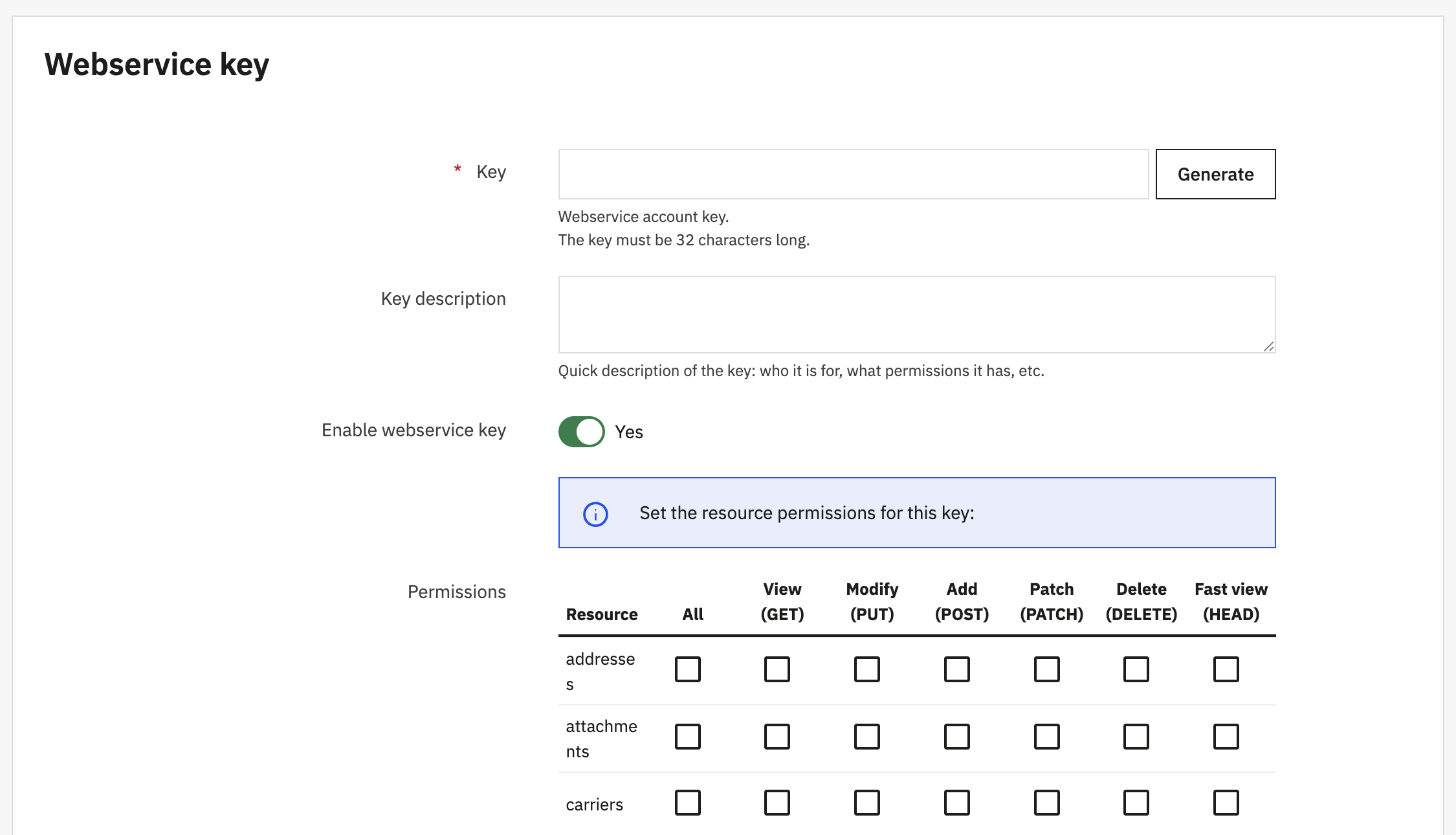
5. Click the button 'Generate' to generate a random key.
6. Enter a key description, for example 'Shopify'.
7. Make sure 'Enable webservice key' is set to 'Yes'.
8. Click the text 'View (GET)' to select all the checkboxes below that header.
9. Finally, click 'Save' at the bottom of the page.
10. Copy the value of the key and enter it in our app.