From: Shopify
How to disable order notifications for staff members?
Avoid flooding your mailbox during order migrations
When migrating orders to Shopify, your customers won't receive any notifications for migrated orders. However, you will receive notifications! Luckily, it's easy to switch off. Go to your Shopify admin and click the following links:
1. Click 'Settings' in your Shopify Admin (bottom left)

2. Click 'Notifications in the left menu

3. Click 'Staff notifications'

4. For each recipient, click the three dots and click 'Turn off'
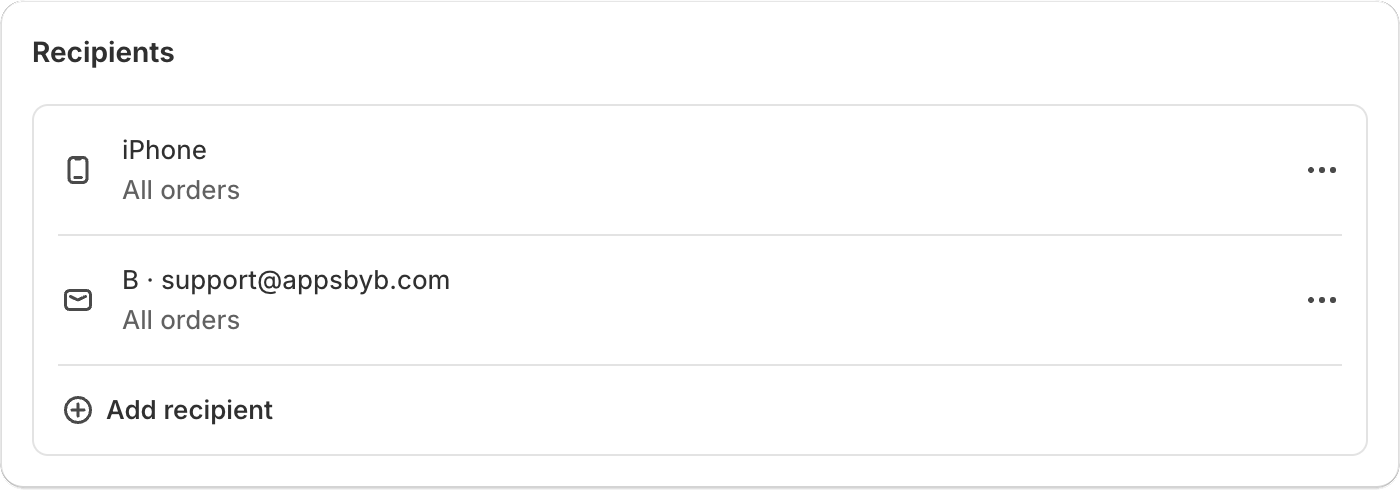
Once your Shopify order migration is complete, you can follow the same steps and use step 4 to 'Turn on' the notifications again.