From: Getting Started / Setup
How to create WooCommerce API keys (step-by-step)
To connect your WooCommerce store to Shopify, you need to create API keys.
These allow the WooCommerce Importer app to securely access your store data.
If this feels technical, don't worry - you can contact us and we'll help you set this up.
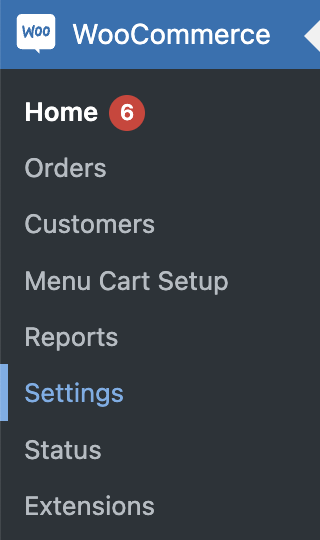
Step 1 - Open WooCommerce settings
Go to WooCommerce → Settings in your WordPress dashboard.
Step 2 - Go to API settings
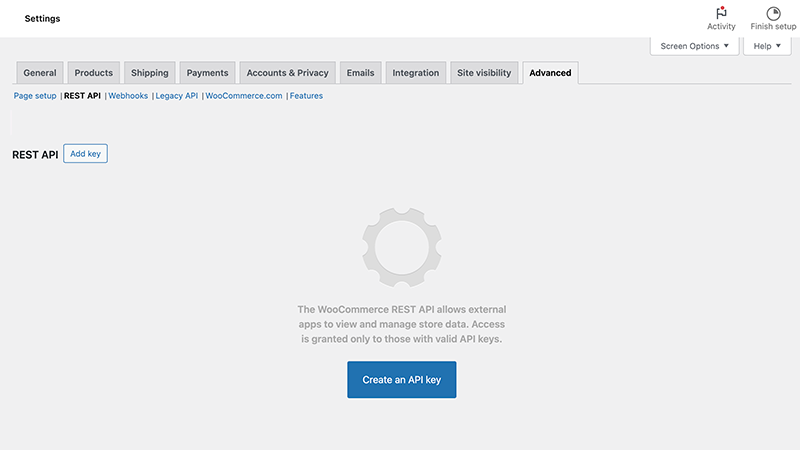
Click:
- Advanced
- then REST API
- then Create an API key
Step 3 — Create the key
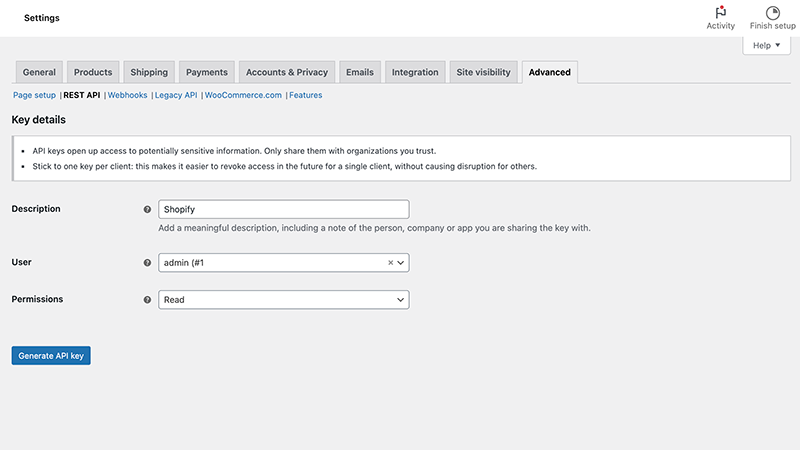
Fill in:
- Description: Shopify
- Permissions: Read
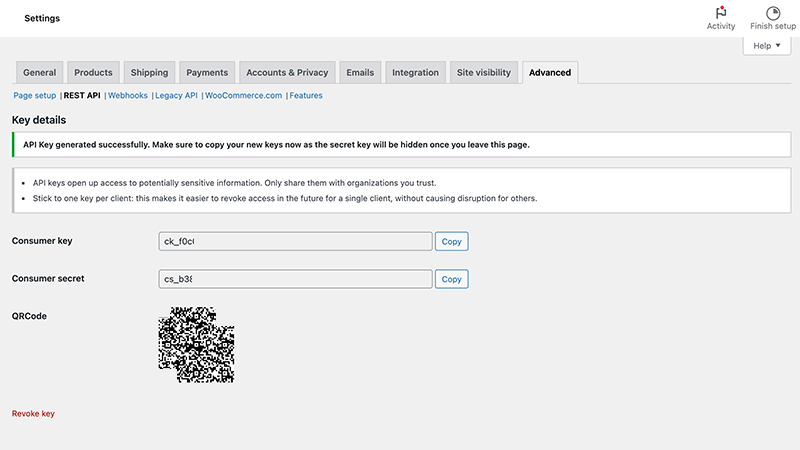
Step 4 - Copy your keys
Copy:
- Consumer key
- Consumer secret
Make sure to copy your keys immediately.
You won't be able to see the secret again after leaving the page.